Drop Bucket
The first FileMaker to Amazon S3 integration — a full-featured plugin built on ScriptMaster, custom Java and Groovy, and the AWS Java SDK.
- FileMaker
- Amazon S3
- Java
- ScriptMaster
- API
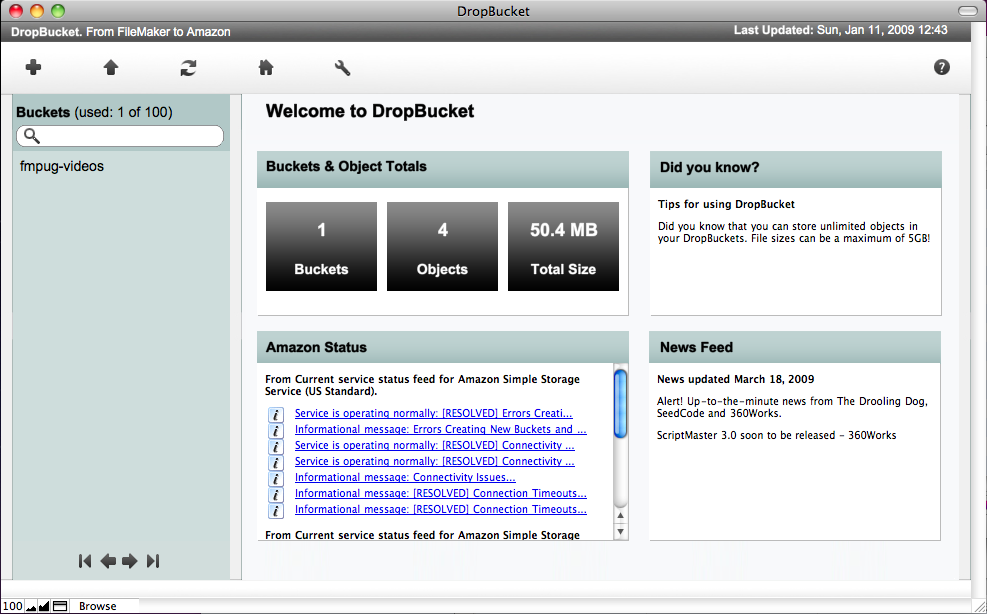
Drop Bucket was my first deep dive into AWS, and the first FileMaker-to-S3 integration I'm aware of at the time. The goal was straightforward: replace FileMaker's native container field, which stores files inside the database itself, with a connection to Amazon S3, giving users virtually unlimited, externally hosted storage without changing how they worked.
A little S3 history
Amazon S3 launched on March 14, 2006 — Pi Day — as one of the very first AWS services to reach general availability. At the time, storing data at scale meant buying physical hardware, forecasting capacity, and hoping you got the math right. S3 changed that entirely: pay for what you use, store as much as you want, access it from anywhere. European region support followed in November 2007.
By 2009 when Drop Bucket was built, S3 was still a relatively young service with a limited GUI and a developer-first API. There was no AWS Management Console yet for S3. If you wanted to do something interesting with it, you were writing code against the SDK.
How it was built
FileMaker Pro is a rapid application development environment: a database, front end, and scripting engine rolled into one. It's highly extensible through plugins, and the plugin I built on top of was ScriptMaster by 360Works. ScriptMaster exposes a Java/Groovy runtime directly inside FileMaker, which means you can write custom Java code and call it as a native FileMaker function.
I wrote all of the custom integration code in Groovy, connecting into the AWS Java SDK libraries available at the time. That gave me direct access to the S3 API from inside a FileMaker script — which, at the time, was not something anyone else had done.
With help from Jayne Vidheecharoen on the design side, I built a full FileMaker-based UI to manage the whole experience.
What it could do
Drop Bucket was fully featured at launch:
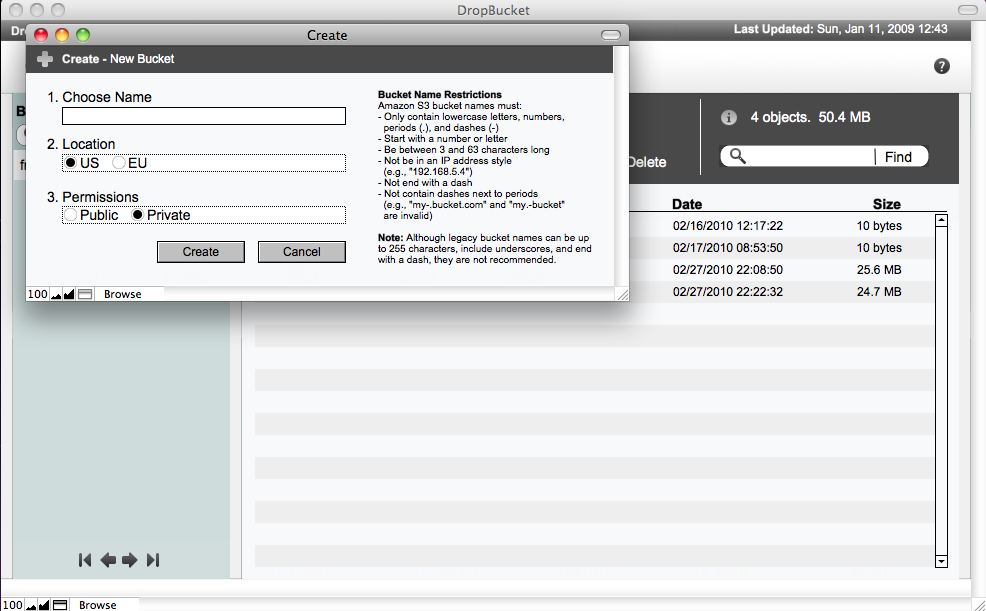
- Browse and manage S3 buckets from within FileMaker
- Upload and download files of any supported MIME type
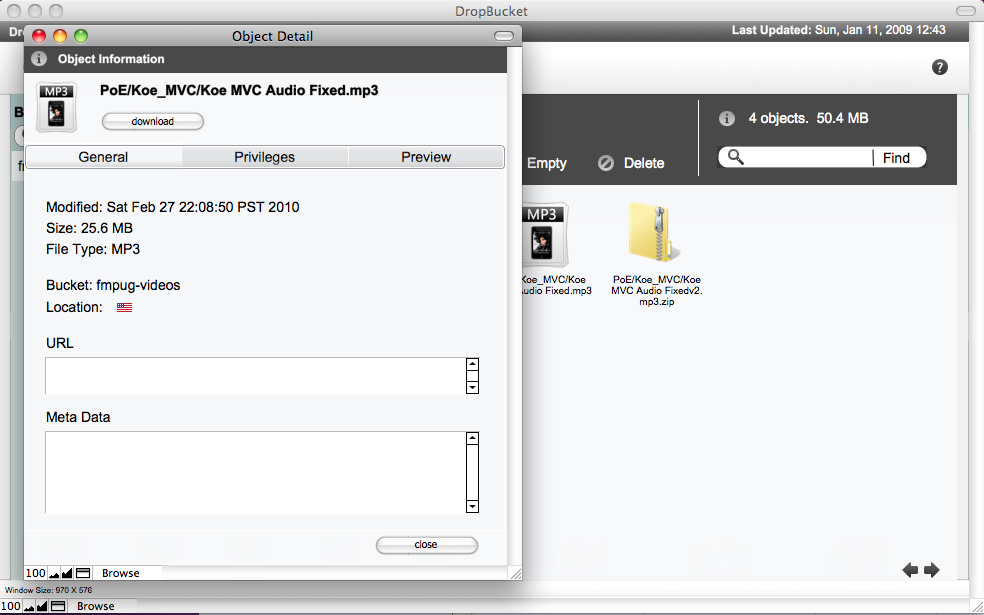
- Preview files inline
- Generate shareable links with configurable expiry times
- Set file-level security permissions
- Select storage region (US or EU, the two available at the time)
The interface handled the full range of MIME types, so it worked equally well for images, documents, video, and anything else a user might store.
Why it mattered
FileMaker's container field had a hard ceiling. Files lived in the database, which meant database size grew with every attachment, backups ballooned, and performance degraded over time. Drop Bucket removed that ceiling entirely. For any FileMaker-based business dealing with documents, media, or attachments, offloading storage to S3 was a meaningful architectural improvement.
It was also my introduction to AWS at a time when most of the FileMaker community wasn't looking in that direction yet. Building Drop Bucket set the foundation for the infrastructure and cloud work that has defined most of my career since.